
TradingView adds chart range questions to AI Copilot
TradingView's AI Copilot can analyze a user-selected date range, retrieve news from that period and add chart drawings. Responses are at least twice as fast.
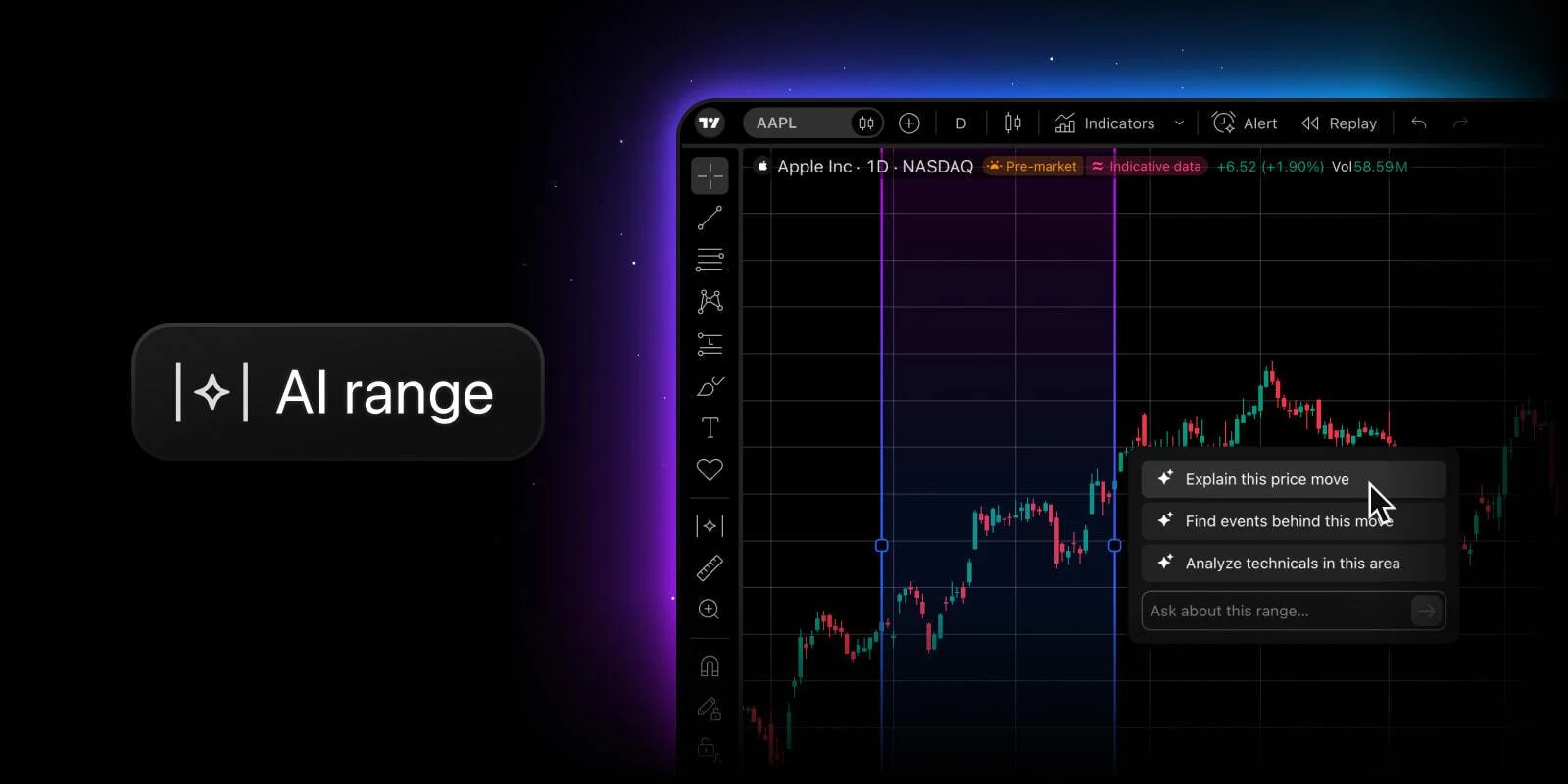
TradingView has added an AI range tool to Supercharts, allowing users to select dates on a chart and ask AI Copilot about price moves, related news and events, or technical analysis. The feature is available on the web and in the desktop app to users with the AI Copilot add-on on any paid plan.
Users select the AI range icon in the drawing panel, drag across a date range and choose one of three suggested questions or enter their own. The Copilot panel opens when they send the request.
Suggestions include explaining the price move, finding news and events that may have affected it, and analyzing price structure and key levels. Users can also request chart drawings, such as support and resistance levels.
Copilot uses the selected period when answering, including when retrieving news. Previously, news searches returned only the latest items. The selected range appears in the chat above the input field and remains in chat history, where users can click it to return to the same symbol and period.
The selection is temporary: it is not saved to the chart layout or shown in the object tree. TradingView said Copilot responses to all requests, including those unrelated to a selected range, now arrive at least twice as fast. Users without the add-on will see an offer to get it when they send their first request.
News is for information only and is not investment advice. Trading forex and CFDs carries a high risk of losing money.