
TradingView adds EPS and revenue alerts for earnings reports
Each TradingView earnings alert is tied to one symbol and counts toward the plan's alert limit, and it works for stocks on NYSE, NASDAQ and AMEX.
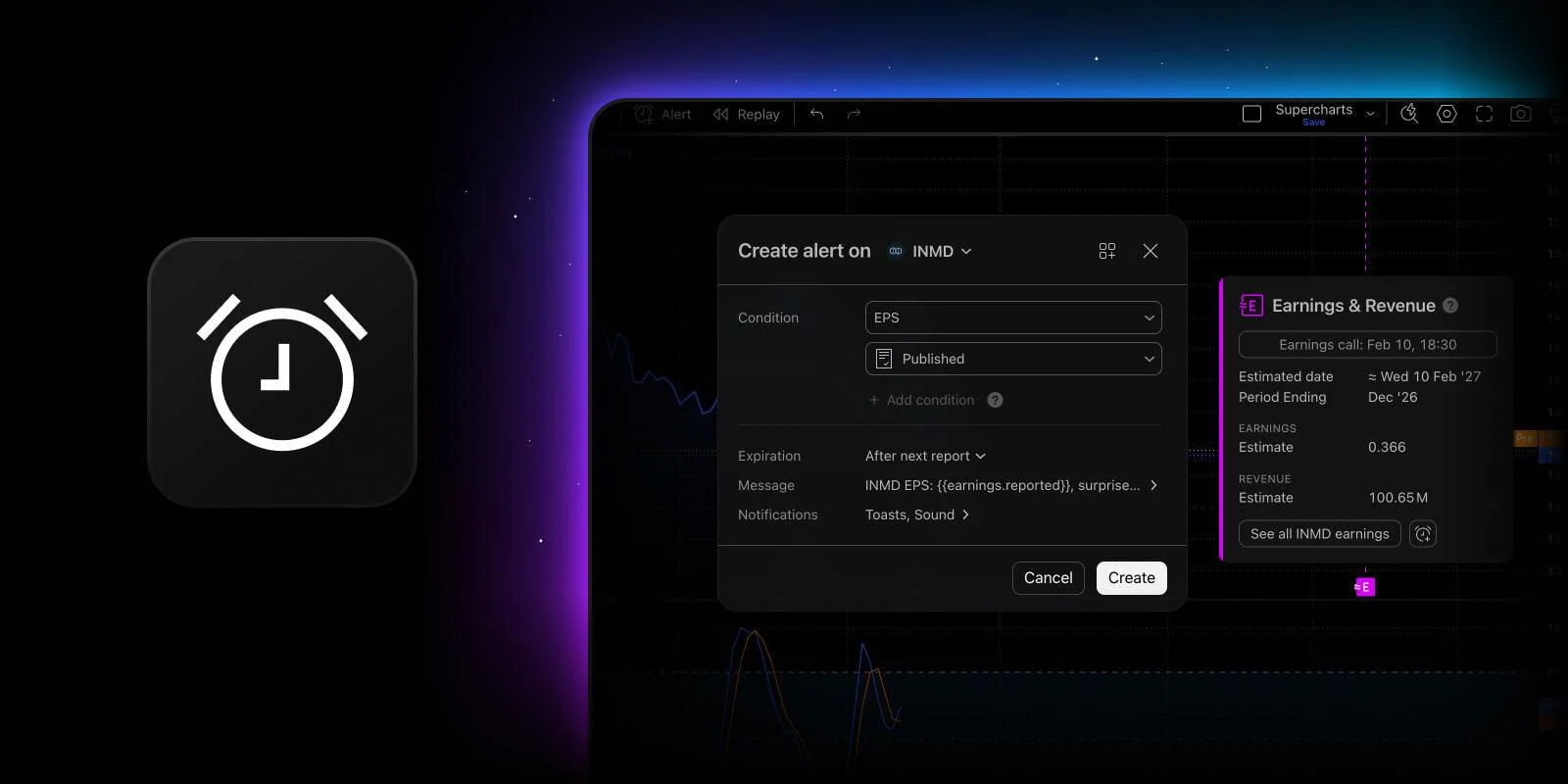
TradingView has enabled users to create alerts for earnings per share (EPS) and revenue right from the Earnings & Revenue badge on their Supercharts. The alerts notify users when new figures come in.
Earnings alerts work for companies listed on NYSE, NASDAQ and AMEX. Each alert counts toward the technical alert limit set by the user's subscription plan and is tied to a single symbol.
Earnings reports are among the biggest catalysts for any stock, and a beat or a miss can change the trend in a single session. With these alerts, users are notified of the result without tracking every report date themselves.
To create an alert, click the Earnings & Revenue badge on the chart. The badge must be enabled first: go to Settings, then Events, then Earnings. Choose EPS or revenue, select a condition, and set an expiration.
Once the alert is ready, its default message describes the result in plain English, such as AAPL EPS beat estimate by 2%. When the alert fires, the notification shows the reported figure next to the estimate, along with the actual time it fired.
Unlike valuation alerts, earnings alerts cannot be used in multi-condition alerts, watchlist alerts or presets.
News is for information only and is not investment advice. Trading forex and CFDs carries a high risk of losing money.